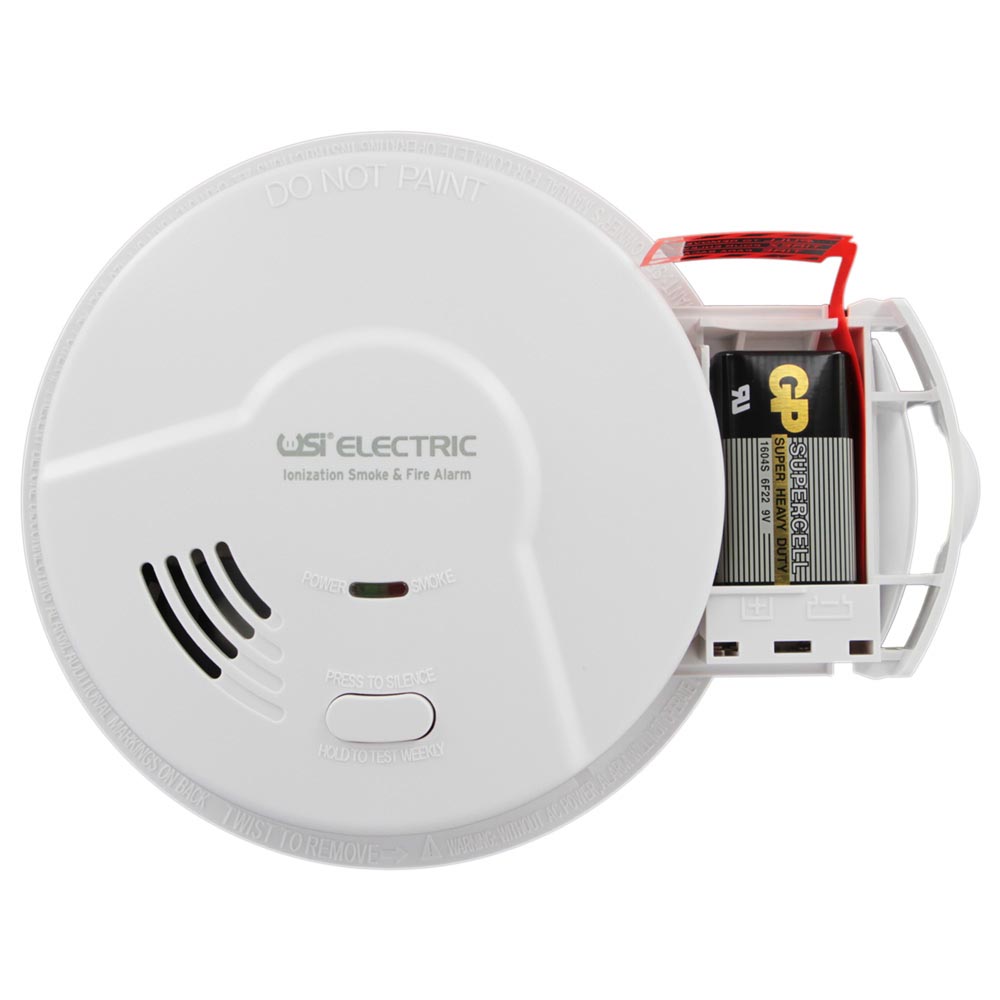
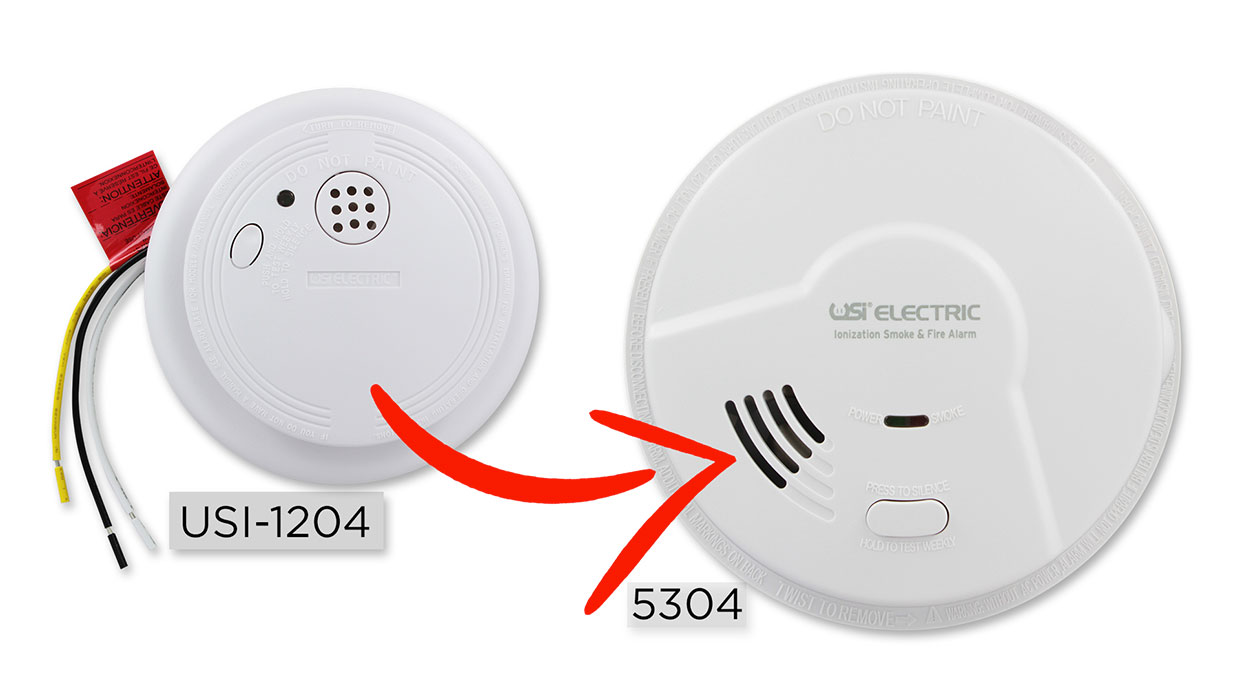
How to Replace Your USI-1204 Hardwired Smoke Alarm
The USI-1204 was a home safety favorite for years. If your unit is 10 years old, it is time for an upgrade. Follow our simple guide to install a modern replacement.
Simple Steps to Install Your New USI Alarm
1. Power Down the System
Turn off the electricity at your breaker panel. Confirm the green LED on your old alarm is unlit before you start.
2. Remove the Old Unit
Twist the USI-1204 counter-clockwise to remove it from the bracket. Unplug the wiring and unscrew the mounting plate from the ceiling.
3. Wire the New Bracket
Secure the new mounting bracket to the ceiling. Use the provided quick connector to join the matching black, white, and yellow wires.
4. Mount and Test
Plug the wire harness into the new alarm and twist it onto the bracket. Restore power and press the "Test" button to confirm operation.
Why Replace an Expired USI-1204?
Smoke alarms are rated for a 10-year lifespan. Dust, humidity, and age can degrade the internal sensors. Upgrading ensures your home has the most accurate fire and smoke protection.
Find Your Replacement Alarm
Don't wait for your old alarm to fail. Browse our collection of modern hardwired alarms designed to fit your existing USI wiring.
Shop Compatible AlarmsUniversal Security Store Past News Articles
Browse the latest Universal Security Store news, product updates, buying guides, safety tips, promotions, and store announcements.
Fire Prevention Month: Are Your Smoke Alarms & Fire Detectors Up to Code?
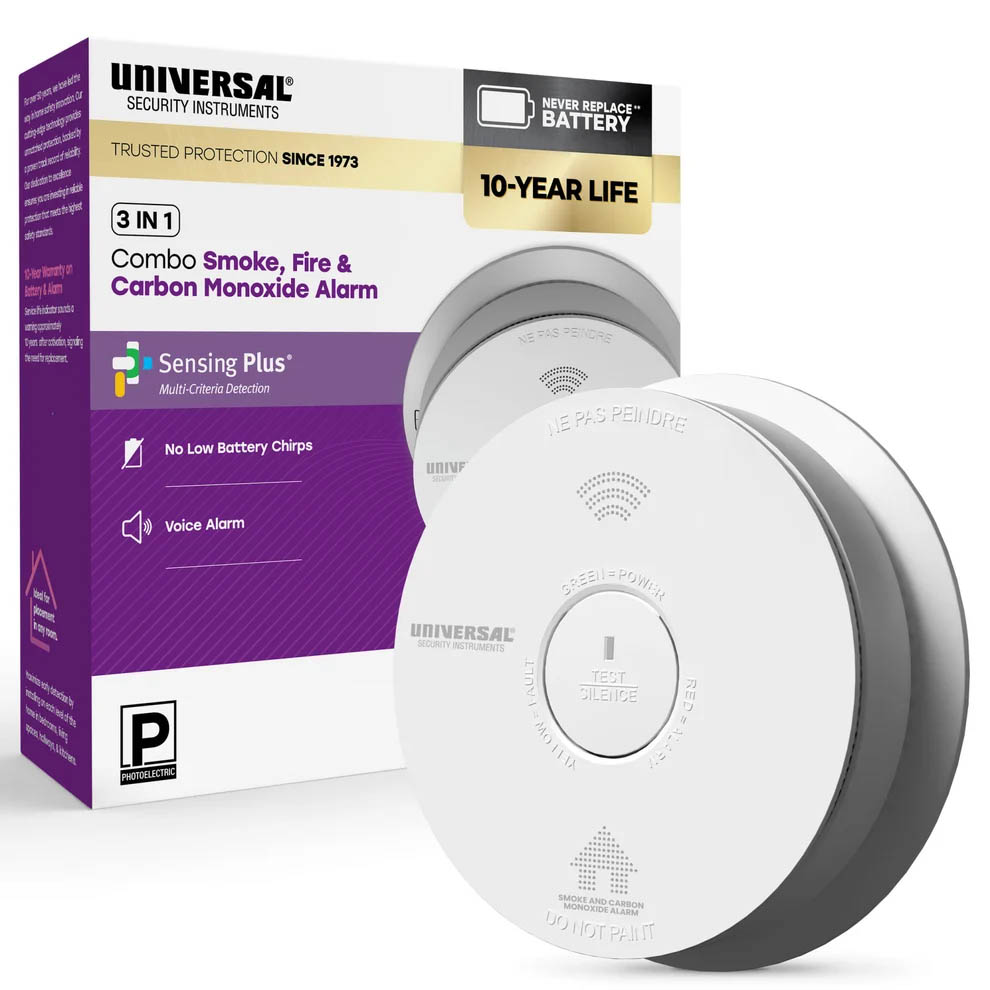
USI 10-Year Dual Protection: Combination Smoke & Carbon Monoxide Alarm
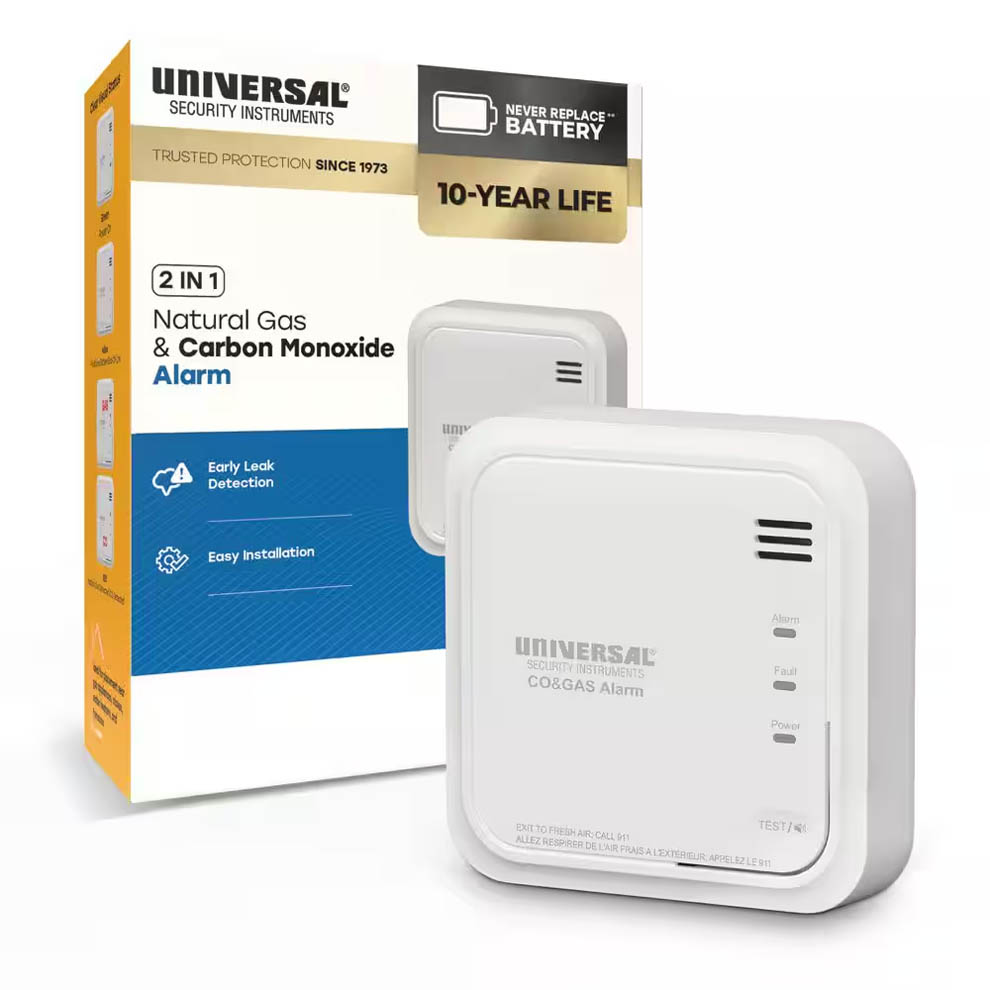
Stop Hidden Leaks: USI 10-Year Combination Natural Gas & CO Alarm
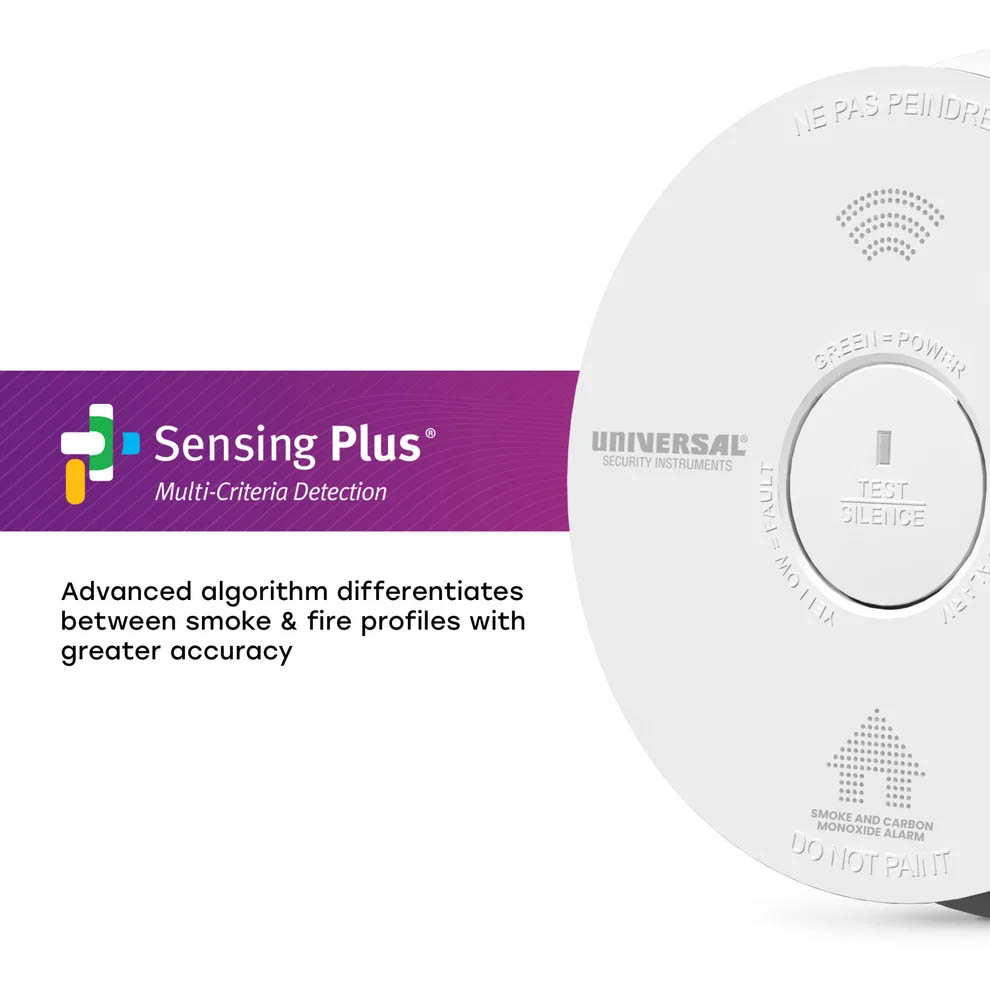
USI 10-Year Smoke Alarm: Maintenance-Free Fire Protection & Zero Nuisance Alarms
Smart Detection: The New USI Battery-Powered Carbon Monoxide Alarm
How to Fix a Smoke Alarm Going Off for No Reason
What is Local Law 157?
Addressing Methane Hazards: The Impact of California AB 1725
Protecting Your Home: USI Alarms and Fire Prevention Month Awareness
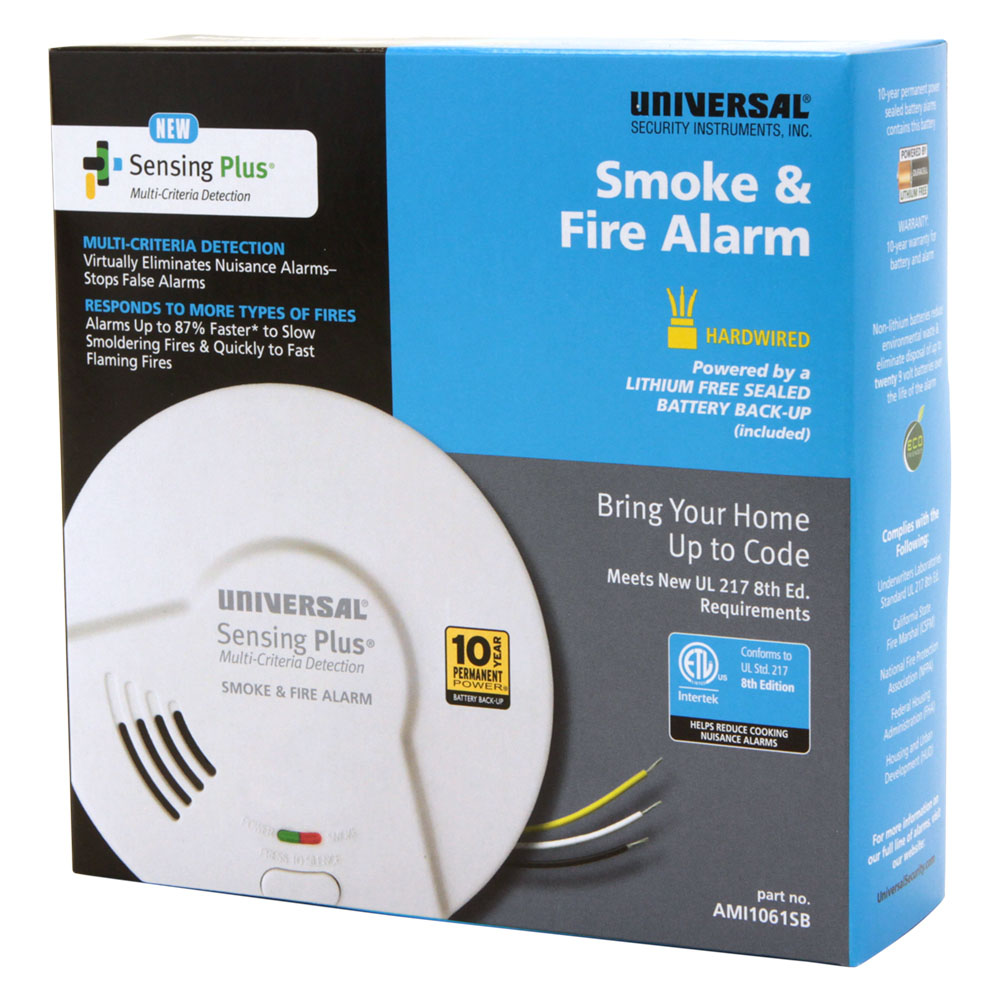
Why a Smart, 3-in-1 Alarm is a Modern Necessity
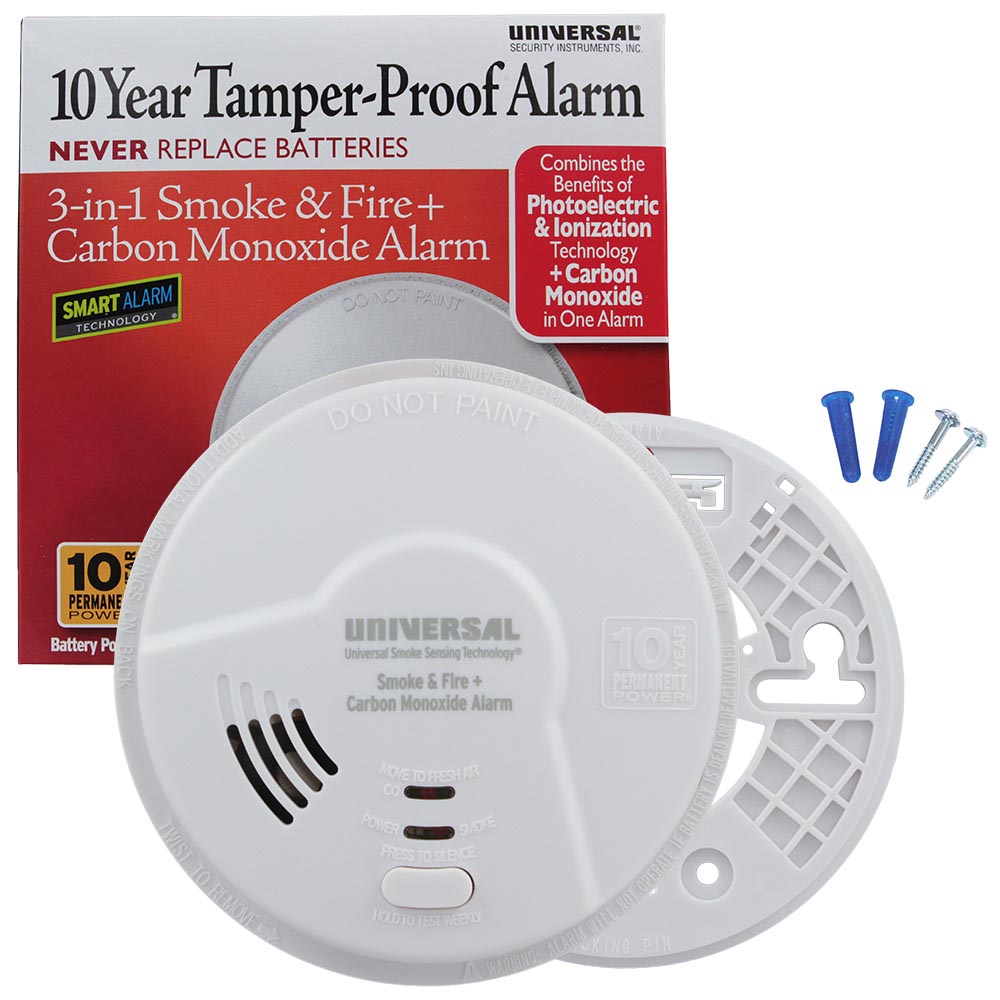
USI 8th Generation Smoke Alarms | 8th Ed. UL 217 Standards
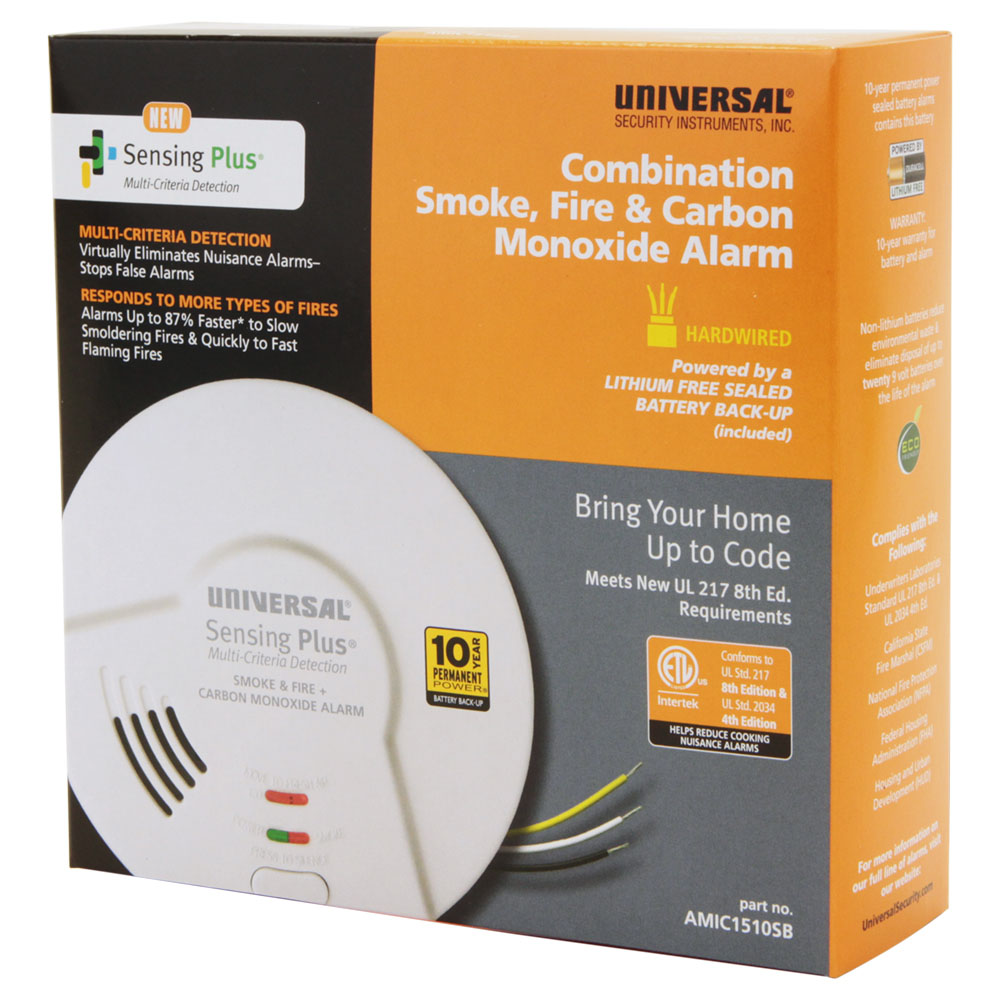
Peace of Mind and Safety: Why You Need a Natural Gas Alarm in Your Home
10 Year Sealed Battery Smoke Alarms: Peace of Mind for a Decade
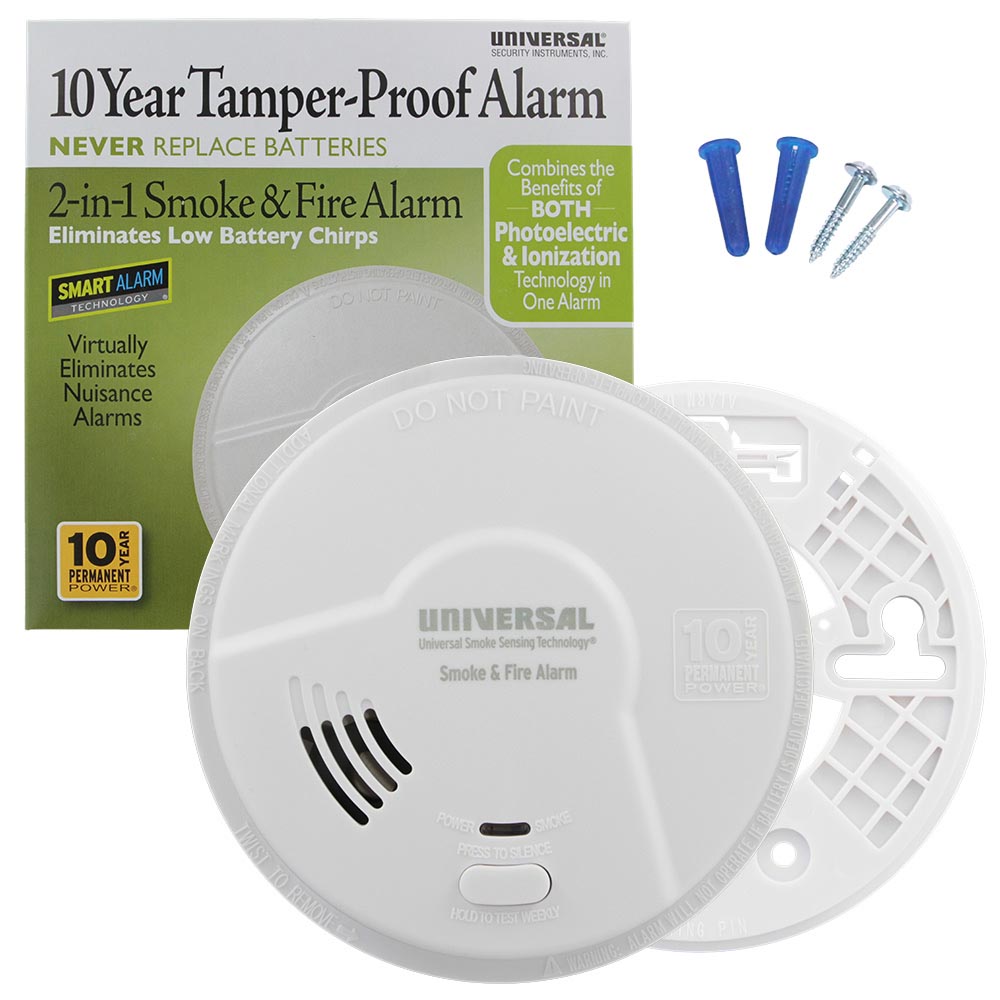
Where to Place Carbon Monoxide Alarms in Your Home
Do Carbon Monoxide Alarms Detect Natural Gas Leaks?
Why Is My Smoke Alarm Chirping? Causes, Signals & Fixes
Why Does My Carbon Monoxide Alarm Keep Going Off?
Natural Gas Explosion Levels Famous Hotel: Are You Protected?
Protection From the Second Leading Cause of Home Fires
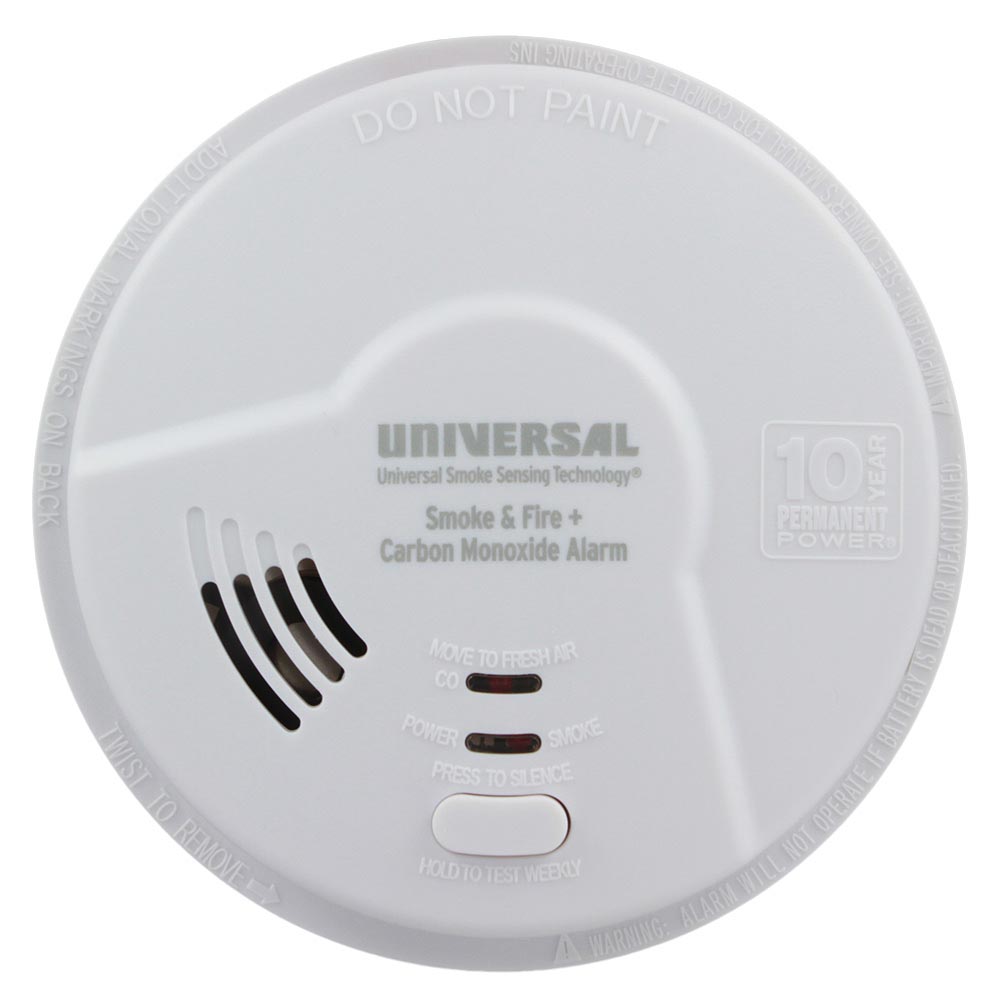
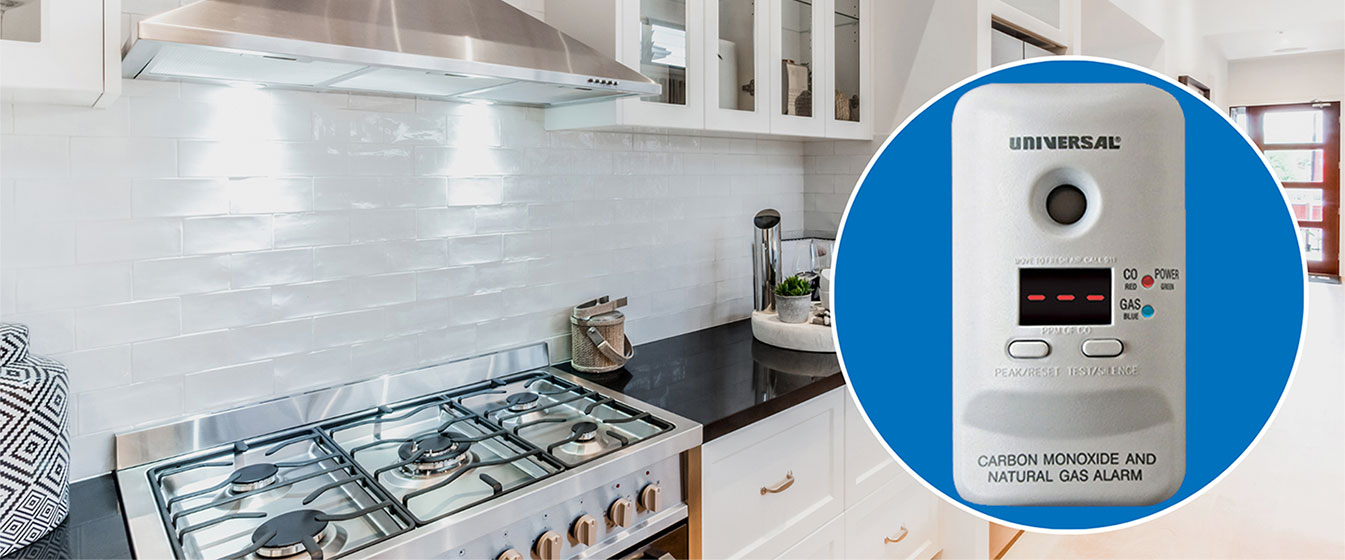
USI Kitchen Smoke Alarm: Protection From The #1 Cause of Home Fires
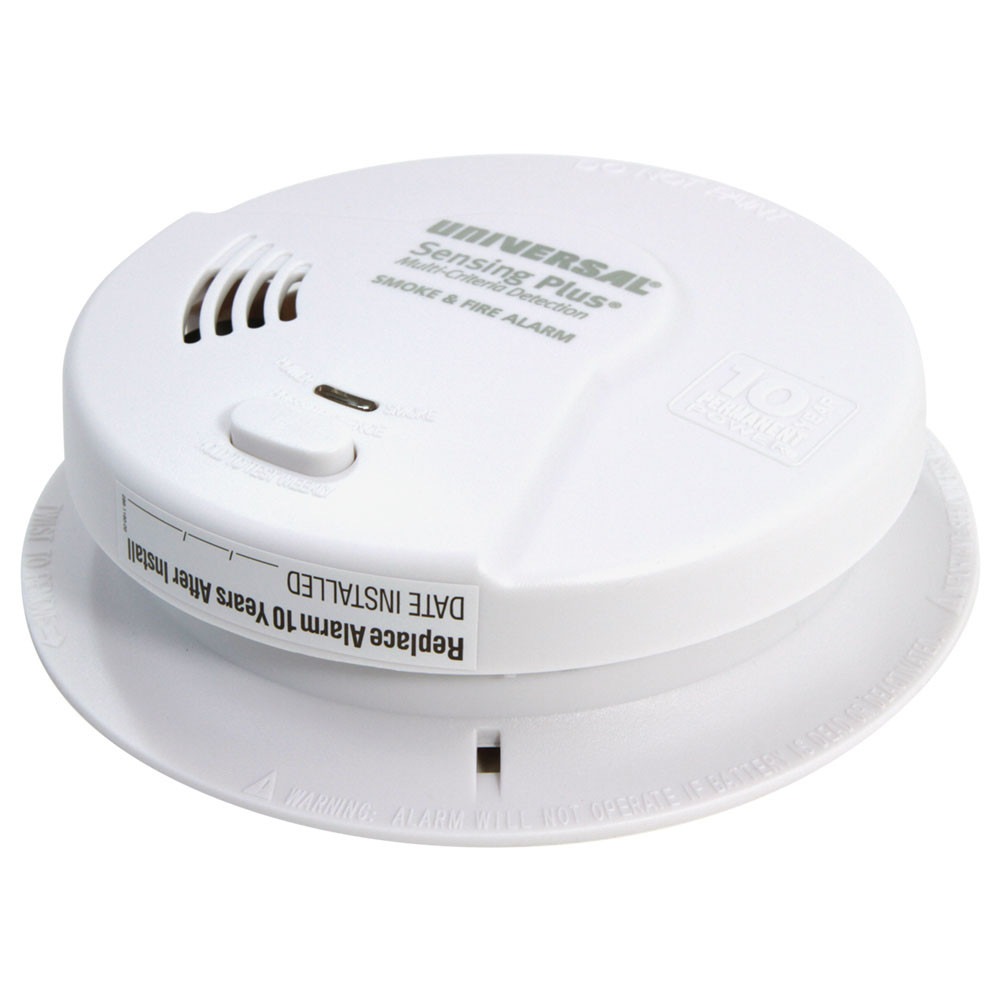
Universal Sensing Plus Smoke & Fire Alarms - Frequently Asked Questions
State of Maine New Natural Gas Detector Law
Replacing the USI-1204 Hardwired Smoke Alarm
Be Prepared: Essential Fire Prevention for Fall & Winter
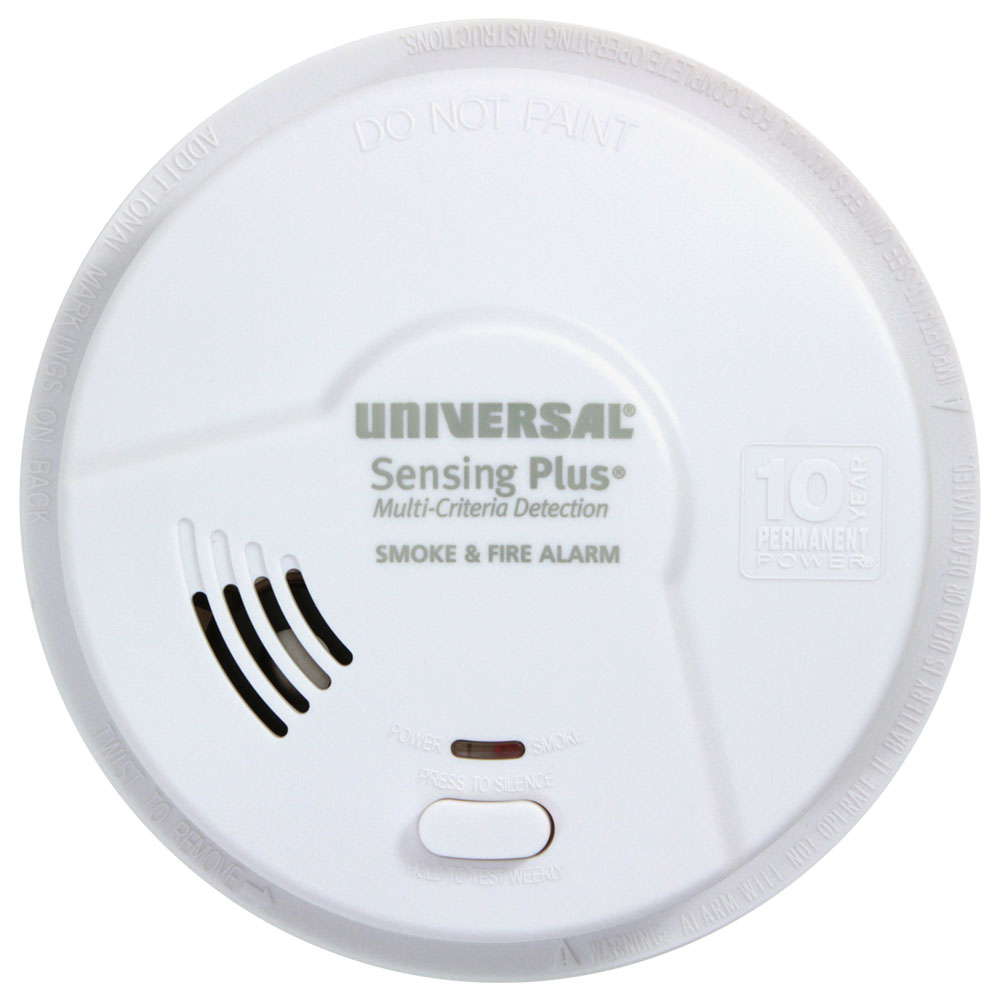
A Consumer's Guide to Smoke & Fire Alarms
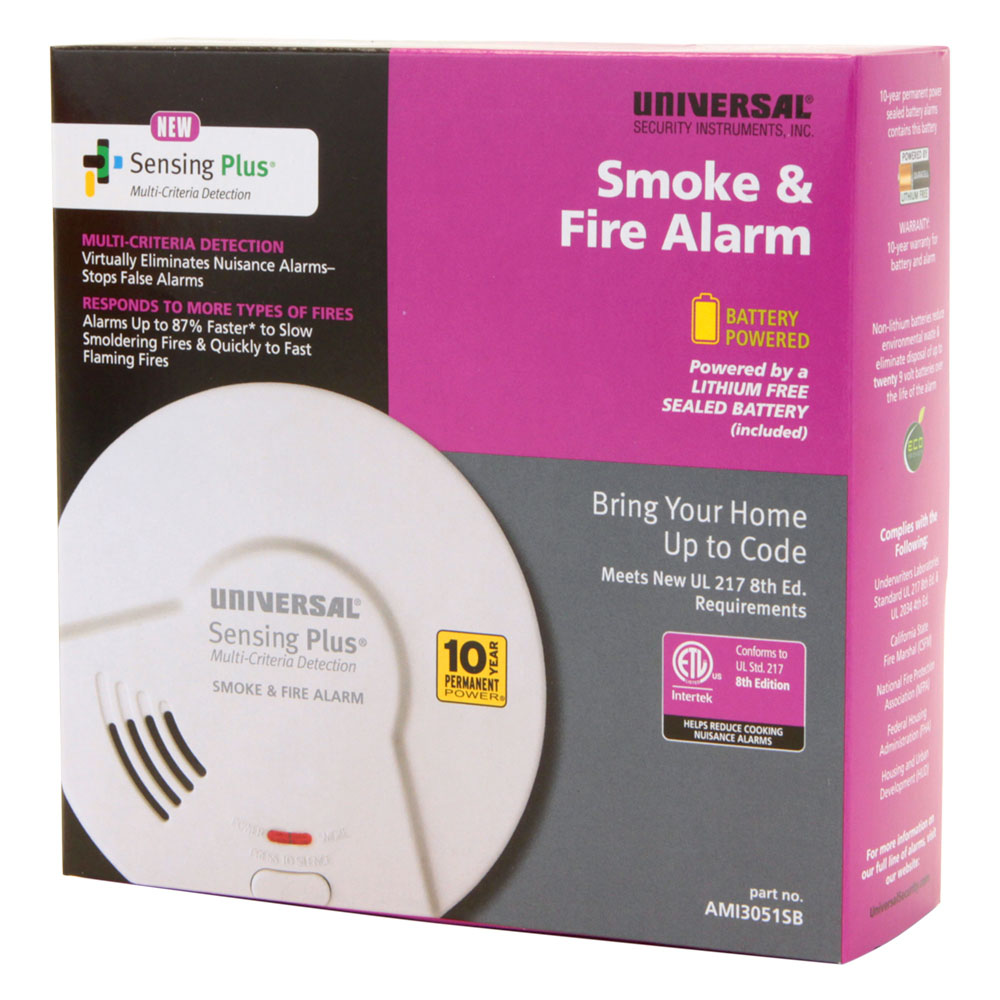
New Sensing Plus Smoke Alarms Meet UL Standard 217 8th Edition
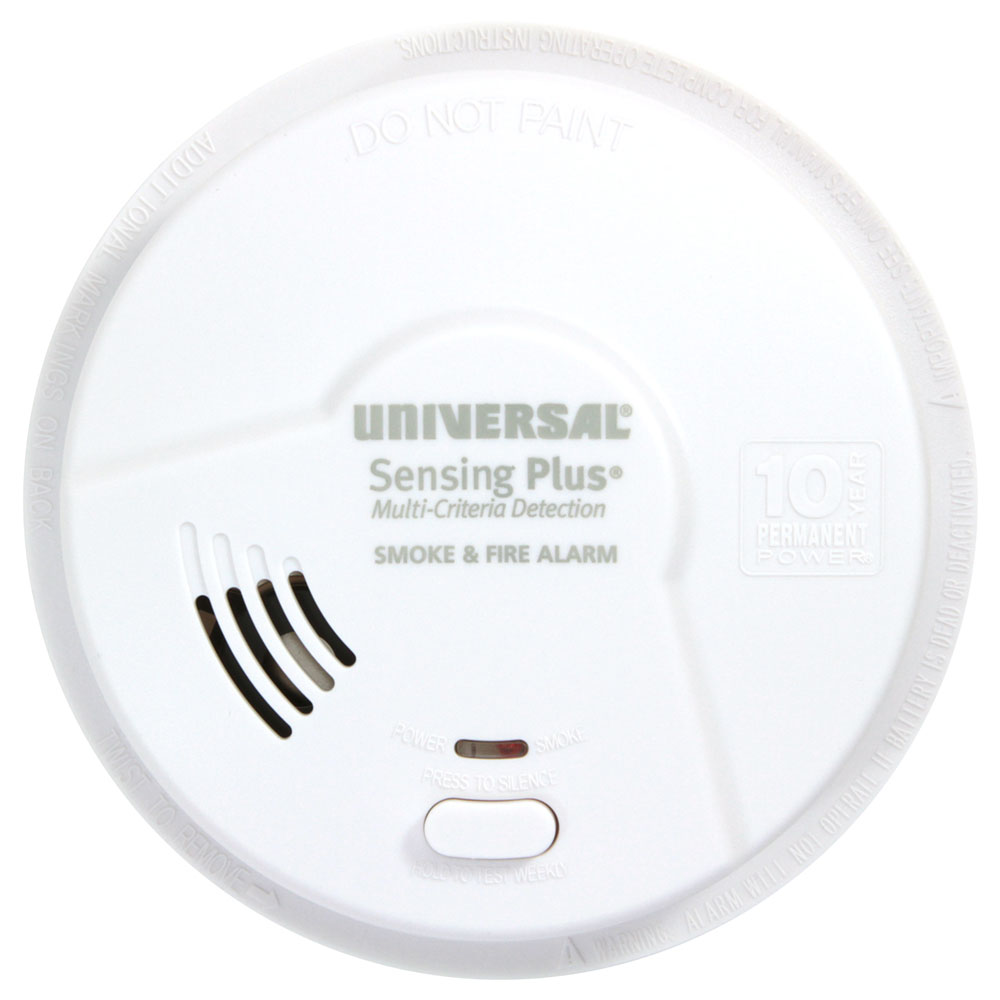
Battery-Powered vs Hardwired Smoke Alarms - Choosing The Right Detector
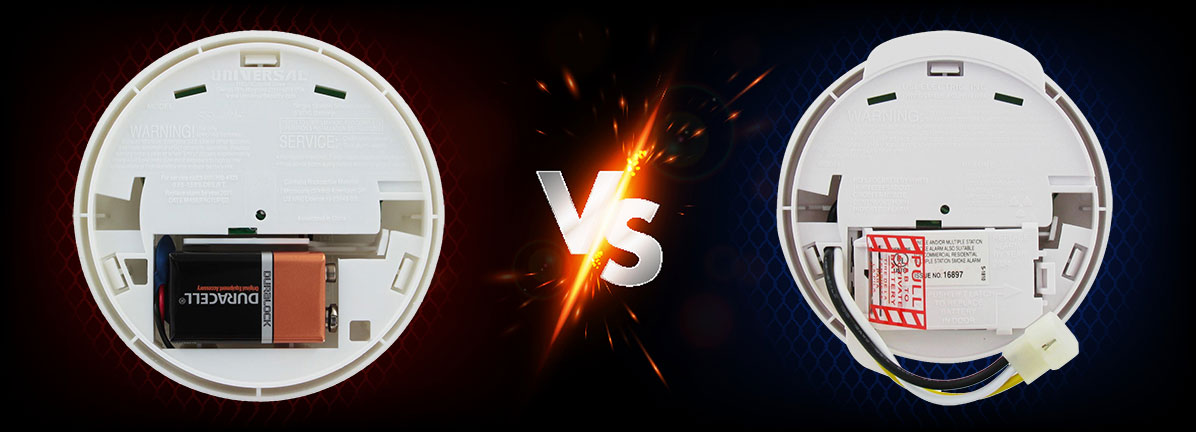
Smart Safety, Real Value Smoke Alarms
An Alarm For Every Room - Room Designated Smoke, Fire & Carbon Monoxide Detectors
Lithium-Free 10-Year Smoke & CO Alarms | USI Electric
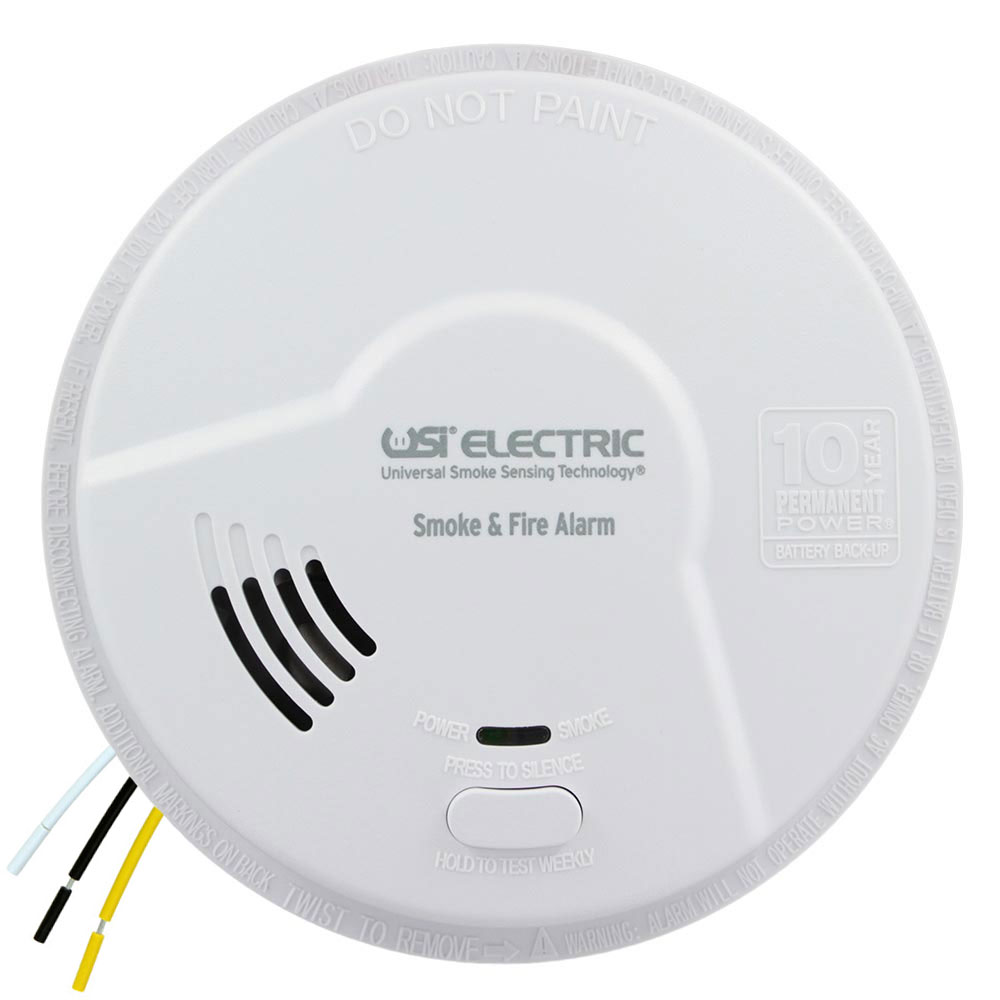
USI Carbon Monoxide Alarms & Observing National CO Awareness Month
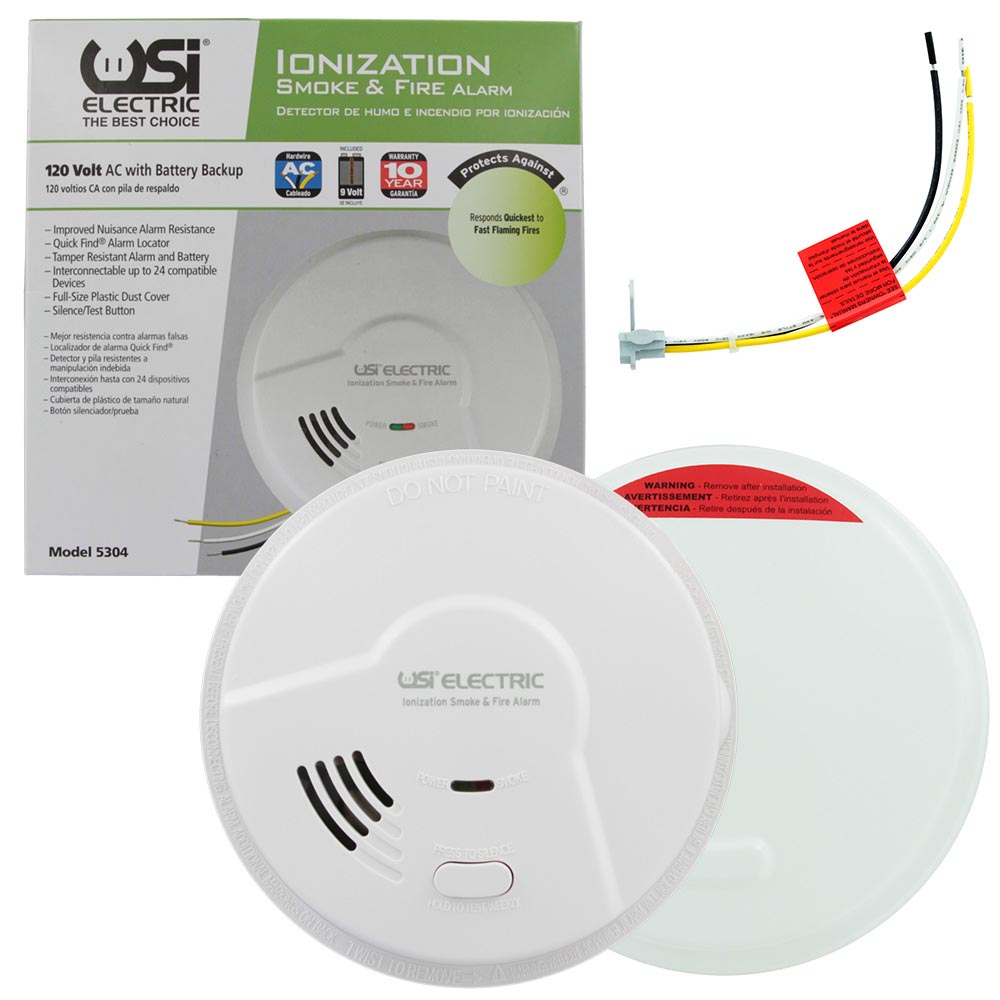
USI Ionization Smoke and Fire Alarm with Battery Backup

Whole Home Protection Made Easy with USI Room Alarms
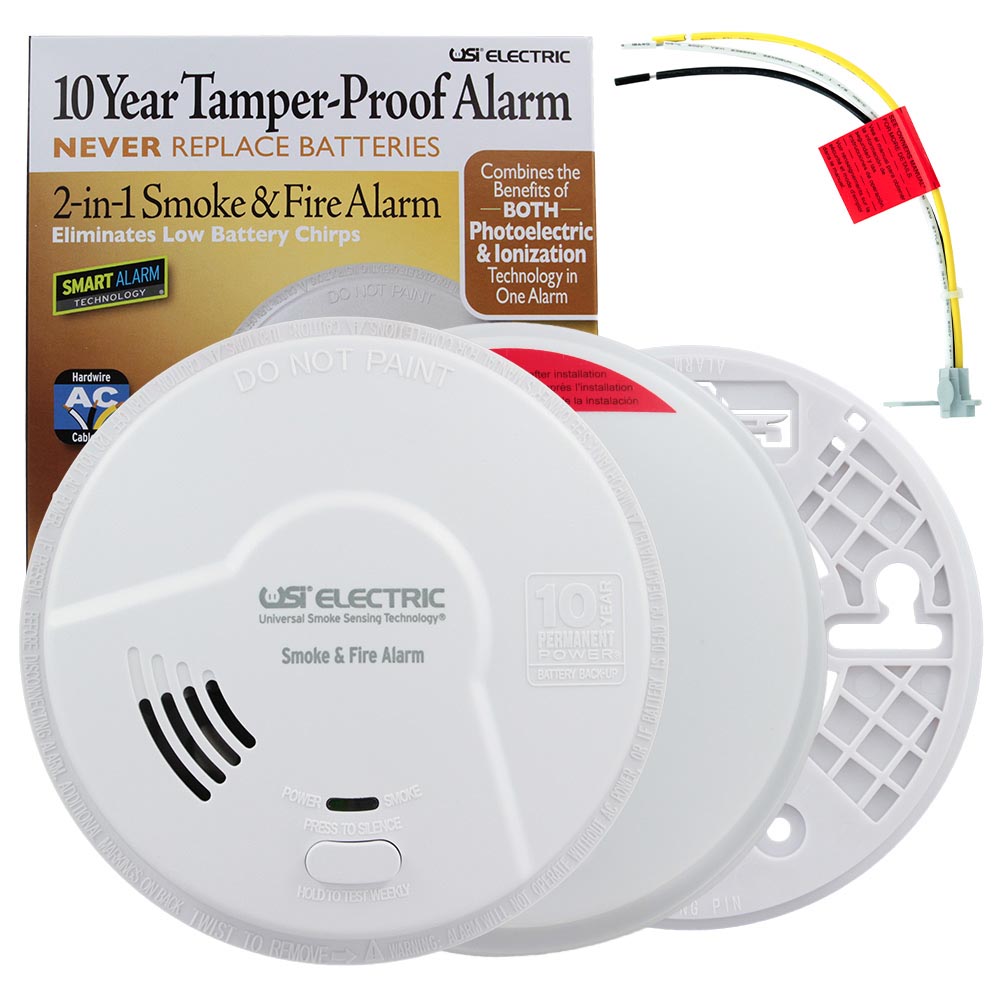
Protection from Smoke, Carbon Monoxide and Natural Gasses
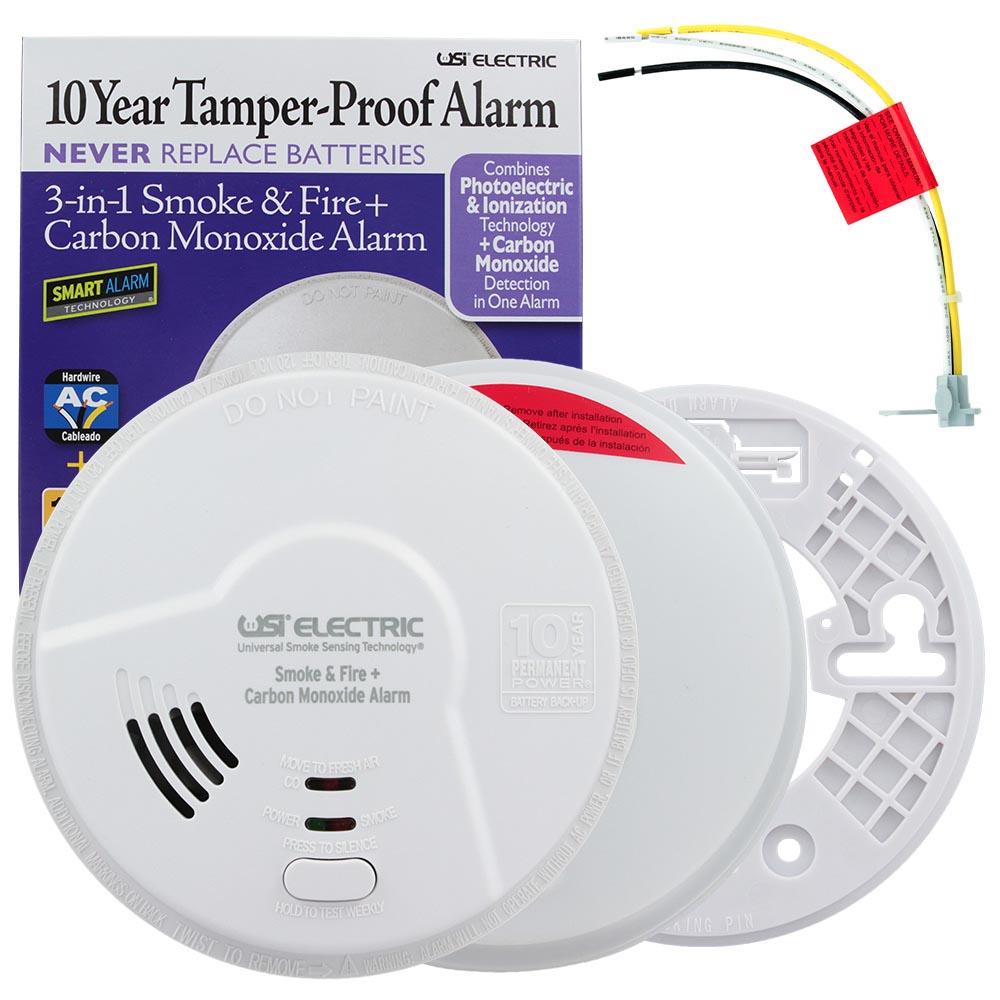
Stay Safe During the Winter Months with USI Combination Alarms
USI Smoke Alarms: Industry Defining Technology at a Superior Price
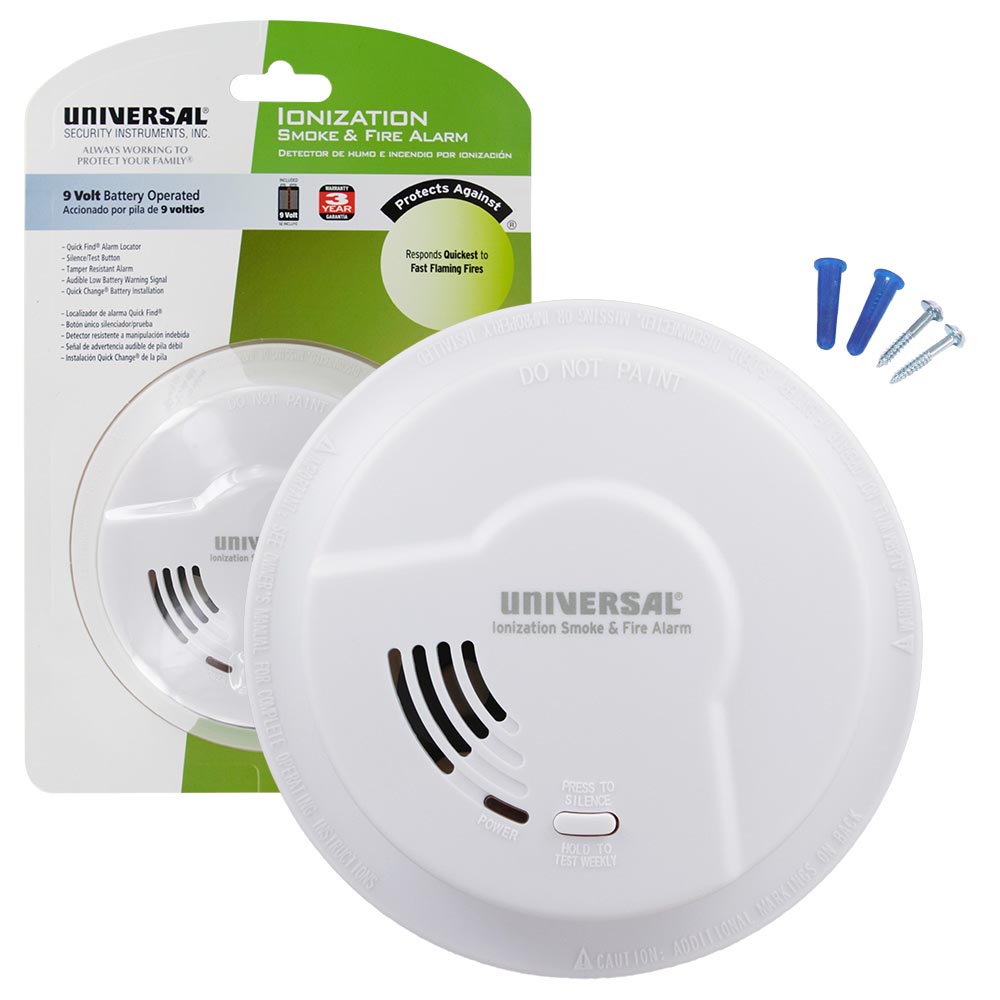
USI Fire Prevention Week Sale, with Universal Smoke Sensing and M Series Smoke and Fire Alarms
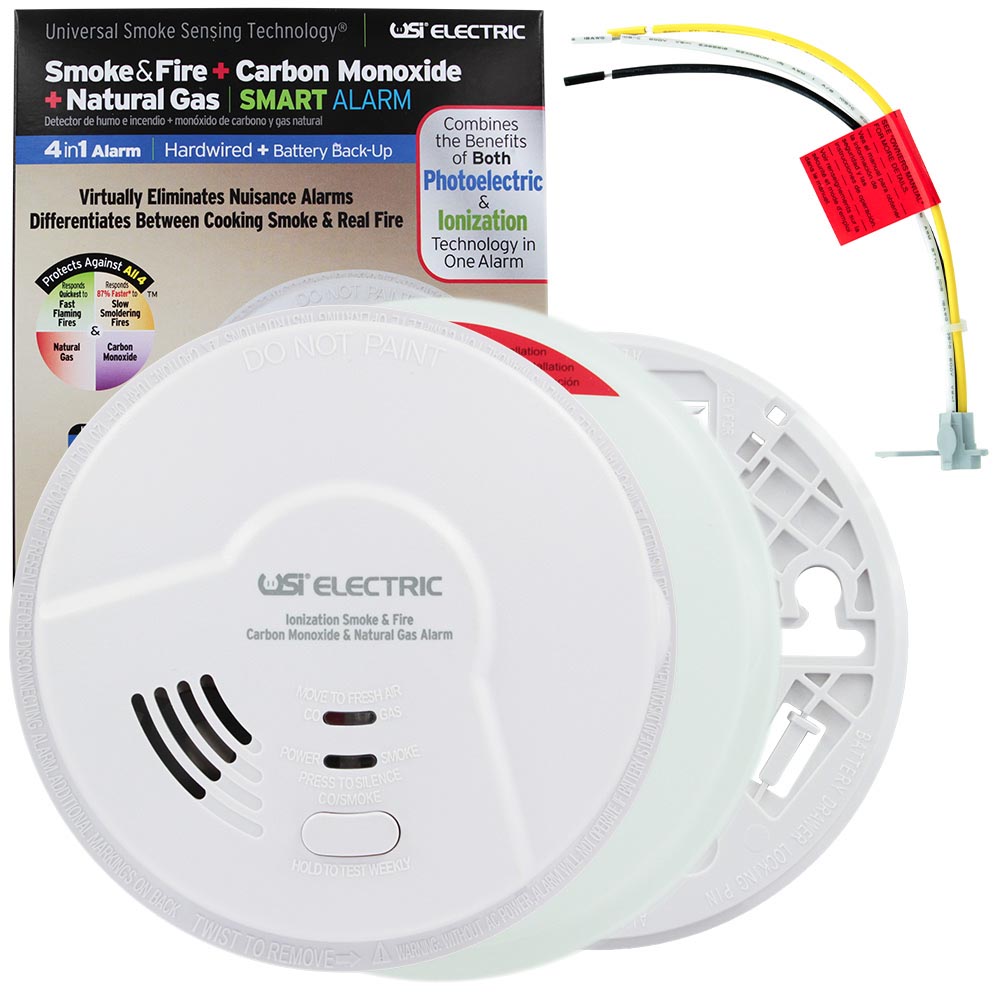
Ten Year Sealed Battery Alarms, No Hassle / Long Lasting Protection
Safeguard your Household with Room Specific USI Alarms
Make Sure You Are Compliant With Current Smoke Alarm Laws & Legislations With USI Hardwired Alarms
Introducing the New USI Store: New Look, More Features, Revolutionary USI Technology
Carbon Monoxide Is Still A Danger In The Summer Months - Get Protected With USI CO Detectors
Universal Smoke Sensing Technology: Dual Protection in One Alarm
The Benefits of Hardwired Smoke Alarms & Carbon Monoxide Detectors by Universal Security Instruments
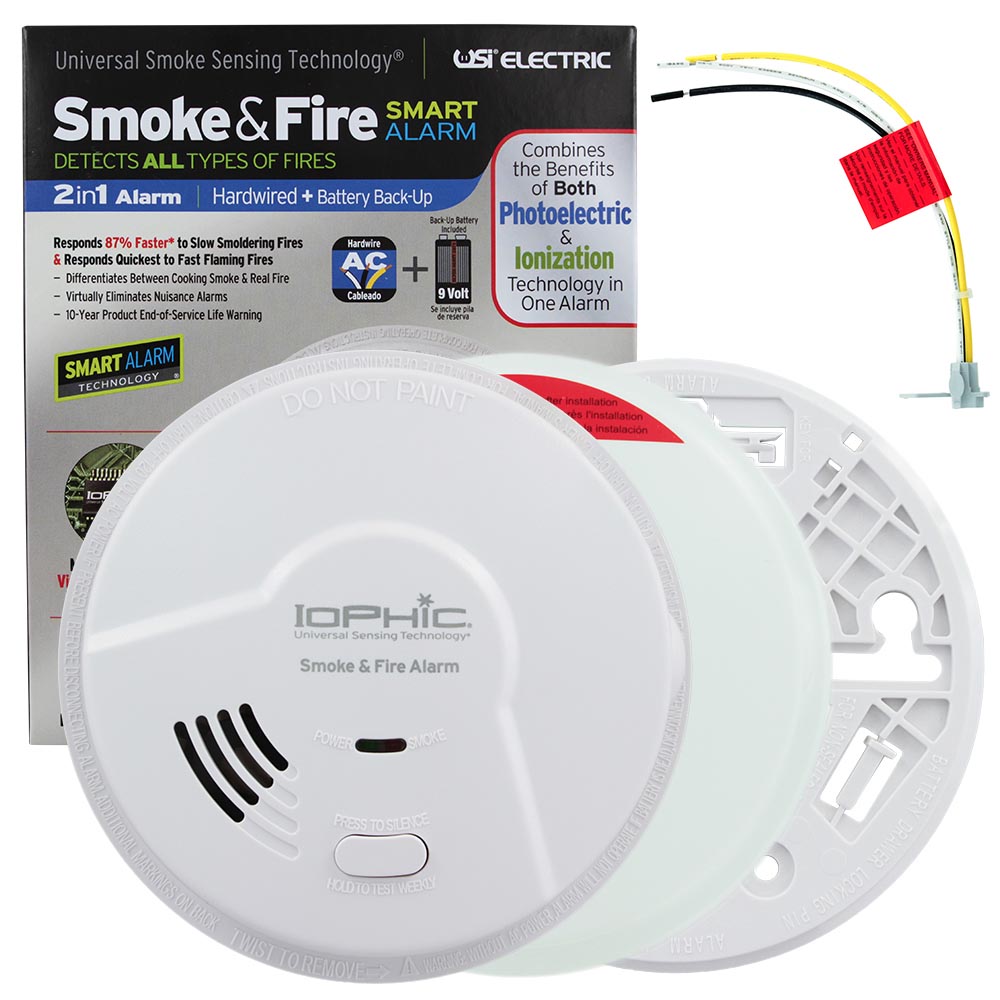
Universal Security Instruments Most Popular Smoke & CO Detectors
Secure Whole Home Protection with USI Smoke, Fire & CO Bundles
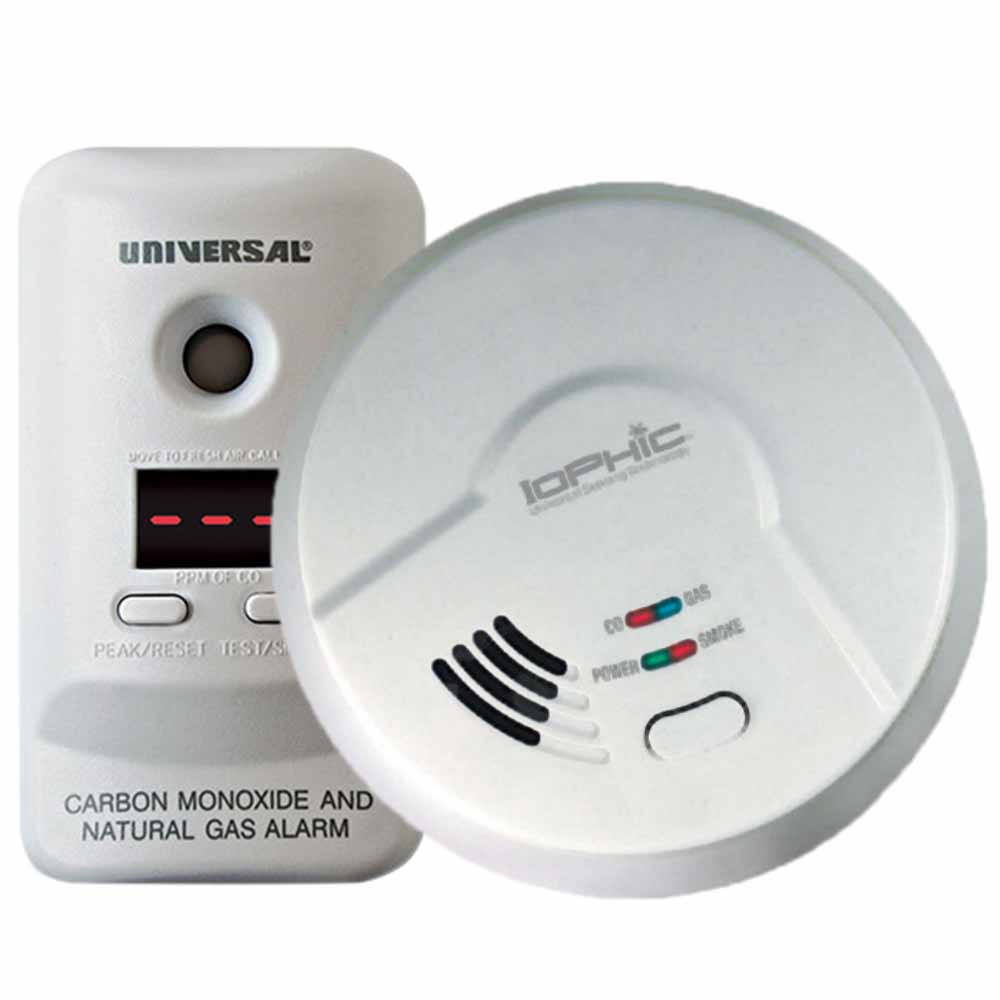
Protect Your Family from Deadly Carbon Monoxide This Winter
The Launch of the Universal Security Store Offers Users an Interactive Format to Purchase Superior Home Safety Products
USI Universal Smoke Sensing Alarms Continue to Raise Industry Standards